
How to triage company email with an AI agent

To triage email with an AI agent in Banger, connect through MCP, create mailbox labels, and define rules for when to apply them. Labels & Triage supports exact conditions and plain-language conditions, plus actions to apply a label, archive, mark read, or star. Preview rules against recent threads before enabling broader automation.
For a solo builder, the first goal is a readable product mailbox. You need to find customer problems, distinguish account questions from automated notices, and keep messages requiring a reply visible. A small set of well-defined rules helps more than a large set of overlapping categories.
Start with decisions you actually make
Imagine your new product receives bug reports, billing questions, and routine service notifications. Begin with labels such as “Bug report,” “Billing question,” and “Service notice.” Adapt these example labels to your mailbox.
Write a sentence explaining each category. “Bug report” might mean a customer describing product behavior that failed or produced an unexpected result. “Billing question” might mean a person asking about an invoice or subscription charge. Avoid vague categories such as “Important” unless you can explain what belongs there.
Banger labels belong to a mailbox. Rules that apply labels must use Banger labels from that same mailbox. Ask the agent to list existing labels first, so it can reuse your vocabulary rather than introducing near-duplicates.
Steps: build a rule you can inspect
1. Connect and identify the mailbox
Follow the MCP setup guide and authorize the appropriate scopes. Label and Triage inspection uses read access; creating labels or changing rules uses write access. Confirm the mailbox before making changes.
Give the agent a narrow request: “Inspect the labels in my product support mailbox. Propose a bug-report label and show me a condition that would assign it. Do not archive or mark anything read.” This lets you separate classification from actions that change what you see in the inbox.
2. Choose exact conditions where possible
Exact conditions cover sender, recipient, subject text, required words, excluded words, and whether a message has an attachment. Use them when the distinction depends on something directly observable, such as mail from a known notification address.
For example, a service-notice rule can match an exact sender and a subject phrase. Review the sender carefully: an overly broad domain condition may include messages you did not intend. Multiple configured fields must hold, while individual fields have their own matching behavior.
Ask the agent to explain the condition in ordinary language before saving it. A readable explanation should let you predict what happens to a sample message without interpreting a tool payload.
3. Use plain-language conditions for meaning
A described condition can express an intent such as “a customer reporting a bug.” That is useful when customers describe the same issue in different words. Keep the description literal and specific rather than packing multiple unrelated decisions into one sentence.
Use exact conditions for exact facts and plain language for meaning. If a rule should only consider a particular sender or mailbox context, make that restriction explicit. Do not expect a broad description to silently infer all your business exceptions.
4. Preview before saving or enabling
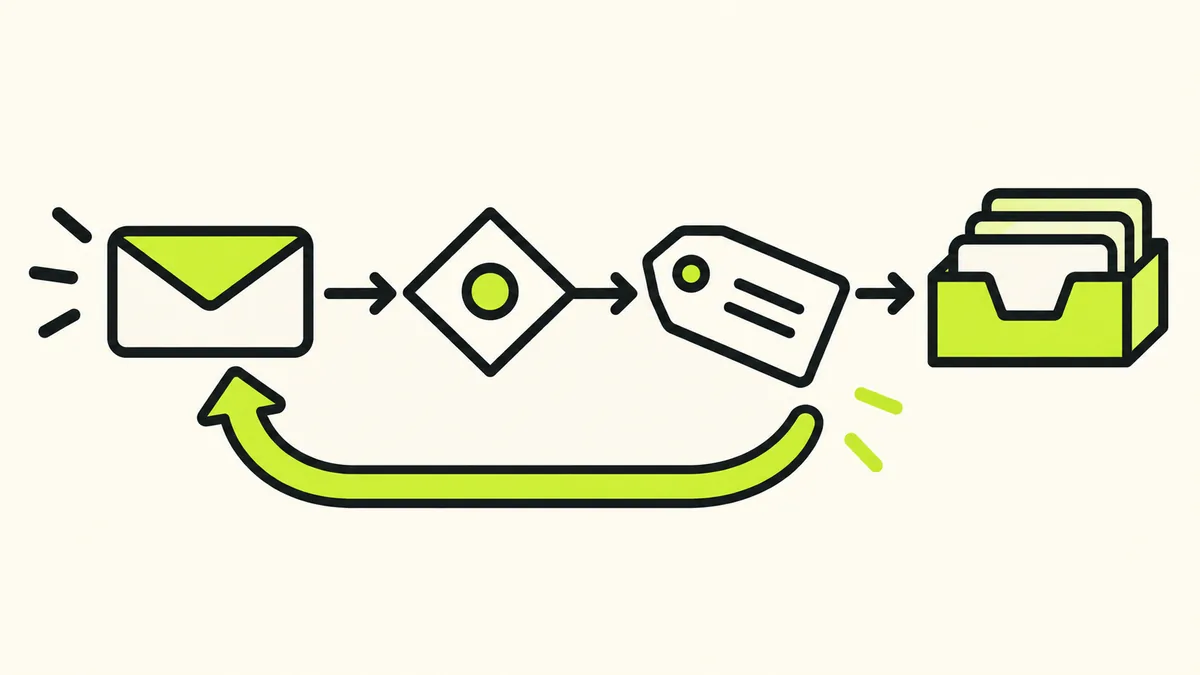
Banger’s Triage preview checks which recent threads a condition would match. The agent can preview a saved rule or an unsaved condition. Use the preview to inspect both obvious examples and borderline cases.
Ask: “Preview this condition on recent threads, then show me matches that might be wrong.” Read examples yourself. A few convincing matches are not proof that every future message will be classified correctly, especially before your product has accumulated varied customer conversations.
Change one condition at a time and preview again. That makes the reason for a changed result easier to understand than rewriting the entire rule after each surprise.
5. Start with labels, then consider other actions
Applying a label is a useful first step because the message remains available for your normal review. Once the category is behaving as intended, consider whether a particular rule should also star, mark read, or archive matching threads.
Be conservative about archiving anything that may contain a customer request. A notification can contain a real problem. A billing message can require an answer. Classification alone does not establish that a conversation is finished.
Applying rules to older mail
Banger can run Triage on past mail over a selected period from one to 90 days. That operation applies labels only by default. Including the other actions requires an explicit option, so inspect the requested operation before using it on a backlog.
Start with a short period and a limited set of rules. Compare the resulting organization with what you expected. Expanding to a larger history is easier to assess after one small run than after several overlapping rules have changed months of messages.
Rules can be paused while keeping their condition and history. Banger also exposes Triage action inspection and undo. If a rule behaves poorly, pause it first, inspect the affected actions, and use the available undo operation where appropriate rather than continuing to run it.
Triage is separate from sending
The Triage actions described here do not include sending replies. An agent can help with other email work, but permission to organize mail should not be treated as a blanket instruction to contact every sender.
Journey activations and sends gated by workspace policy become human Approvals in Banger. The agent cannot approve them. Review the agent access guide before combining classification with a wider email workflow.
Triage has plan allowances separate from sending. Free includes Triage on 100 emails a month. Check pricing for your plan and the API reference if you are integrating these operations into software. If a limit or unavailable capability prevents a rule from running, check its status to see what remains unprocessed.
FAQ
Can I preview a rule before creating it?
Yes. Triage can preview an unsaved condition against recent threads. Use that to check the proposed meaning before enabling the rule.
Can Triage automatically reply to customers?
The supported Triage actions are applying a label, archiving, marking read, and starring. Replying is a separate email operation.
Can one rule apply labels from another mailbox?
No. Labels used by a rule must be Banger labels belonging to the same mailbox.
What should I do when a rule is too broad?
Pause it, inspect the affected actions, refine the condition, and preview again. Begin with labels alone while you regain confidence in the rule’s scope.