
Email MCP server: run company email from your AI agent
An email MCP server gives an AI assistant tools for operating email. Banger's server lets your agent set up and run company email: domains, mailboxes, product messages, Broadcasts, Journeys, contacts, and delivery checks. You connect through scoped OAuth, and a person reviews Journey activations and policy-gated sends in Banger Approvals.
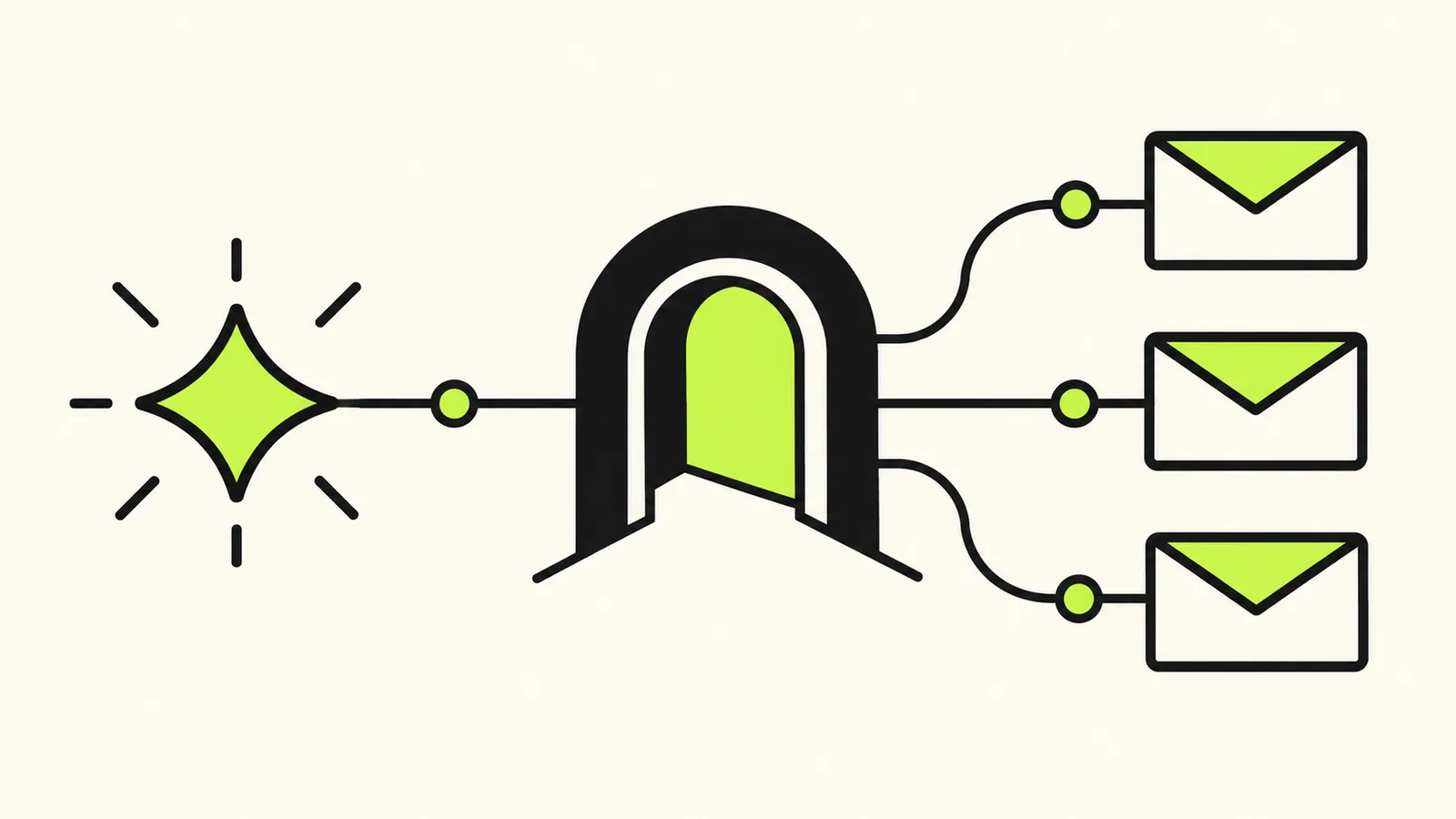
Banger is an AI-native email platform for businesses. It combines real mailboxes, transactional email and marketing automation in one system, and lets AI agents like ChatGPT and Claude operate it through MCP and a REST API.
For a business, that changes the starting point. You can ask the assistant already helping build your product to prepare its email operation too. The assistant works through Banger’s tools, while the Banger web app gives you a place to inspect and approve the resulting work.
Should you use a remote or local email MCP server?
A remote server runs with the provider; a local server runs as a process you maintain. Banger’s remote Streamable HTTP endpoint uses OAuth and dynamic client registration. That removes the need to paste a client secret or SMTP password into local configuration. You authorize the workspace in a browser and then use the connection from your assistant.
A local server may still suit an environment you control, but you own installation, updates and credential storage. Remote does not automatically mean safer: check the provider, permissions and approval boundary. The practical advantage of Banger’s OAuth setup is less credential handling during connection, with email controls remaining in the platform.
Which email MCP servers can you use?
First-party documentation checked October 8, 2026. A dash means this guide has not verified the capability.
| Server | Deployment and access | Email operations | Customer automation |
|---|---|---|---|
| Banger | Remote Streamable HTTP, OAuth | Mailboxes, replies, Product email | Journeys, Broadcasts, Approvals |
| AgentMail | Hosted, OAuth or API key | Inboxes, threads, messages, drafts | — |
| Resend MCP | Remote OAuth or local server | Sending and inbound email | Automations and Broadcasts |
| Gmail-based servers | Depends on the selected implementation | Depends on the selected implementation | — |
There is no single product called “the Gmail MCP server.” Check the maintainer’s own documentation before granting access; do not assume one community server’s capabilities apply to all of them. For a verified Gmail route in Claude, Anthropic documents its Google Workspace connector, including sending and replies. That connector works with an existing Gmail account. Banger supplies email for AI agents on your own domain, with the broader customer email operation included. See Banger versus AgentMail and Banger versus Resend.
How do you connect each AI client?
ChatGPT
Open Plugins, find Banger and connect your workspace. Follow the ChatGPT setup guide and test by asking for your mailboxes before preparing a send.
Claude
Add a custom connector using the Banger endpoint, then select Connect and complete OAuth. Enable Banger in the conversation; the Claude guide shows each step.
Grok
Add a custom connector at Grok’s connectors page and paste the endpoint. Complete sign-in and follow the Grok guide, which also distinguishes Grok Bot setup.
Hermes
Configure Banger under mcp_servers with OAuth, then run hermes mcp login banger. Restart or reload MCP as described in the Hermes guide.
OpenClaw
Add a Streamable HTTP server in the Control UI, then run openclaw mcp login banger on the Gateway host. Use the connection probe in the OpenClaw guide before asking it to send.
Claude Code and Codex
Both can connect from the terminal. Claude Code uses claude mcp add --transport http --scope user banger https://api.bangermail.com/mcp; Codex uses codex mcp add banger --url https://api.bangermail.com/mcp, then codex mcp login banger. Follow the CLI guide for authentication and client references.
What can an email MCP server do?
Banger exposes tool families for Mailboxes and replies, Labels and Triage, Product email, Journeys, Broadcasts, contacts and segments, signup forms, domain setup, Approvals and Logs. Ask for an outcome such as welcoming a new subscriber or preparing a weekly newsletter, then inspect the resulting resources. A server that only exposes sending cannot supply all those operations by itself.
What does Banger’s server connect?
MCP stands for Model Context Protocol. It gives an assistant a structured way to discover and call tools. In this case, those tools operate your company’s email resources rather than merely producing text you must copy into another service.
Banger’s remote endpoint is https://api.bangermail.com/mcp. It supports OAuth and dynamic client registration. Start with the MCP setup guide for your client. ChatGPT, Claude, Codex, Cursor, and other MCP clients can act as the assistant side of the connection.
Add Banger as a connector or custom connector using the server URL, then complete OAuth.
Three surfaces work together: MCP for the assistant, the API for software, and the web app for human review. Your product can send an account message through the API while you ask an agent to prepare a launch announcement through MCP.
How do you run customer email through MCP?
1. Connect the assistant to the right workspace
Add the Banger server in your MCP client and complete OAuth. Read the requested permissions before granting them. A connection intended to inspect mail does not automatically need authority for every other email task.
Once connected, start with a small discovery request: “Show me the company email resources in this workspace and tell me what still needs setup.” Confirm the workspace and domain before asking for changes. This is particularly useful when you are experimenting with more than one product.
2. Give the agent an operational brief
Describe the product, domain, sender identity, intended audience, and first task. For example: “Prepare email for my new scheduling product. I need a support mailbox and a welcome announcement for people who explicitly subscribed. Show me the setup requirements before sending anything.”
That brief separates facts the agent can inspect from choices only you can supply. Your assistant should not invent your postal address, assume a contact list has consent, or guess which domain you want to use.
3. Prepare the resources
The agent can help with DNS setup, mailbox creation, contacts, signup forms, product email, Broadcasts, and Journeys. Ask it to report actual readiness. Prepared DNS records still need publishing and verification; a prepared message still needs the correct sender and eligible recipients.
For a fresh domain, follow the domain setup walkthrough. It explains which records handle receiving, authentication, and policy, and where a DNS owner may need to act.
4. Review consequential actions
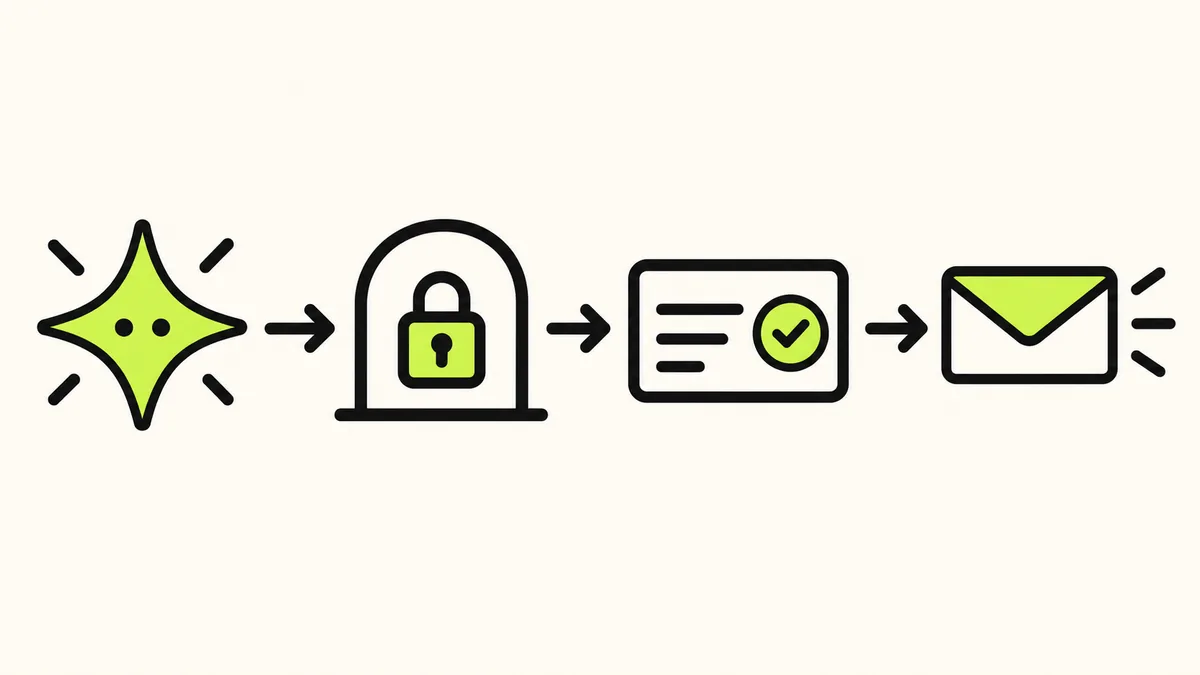
Journey activation requires a person to decide an Approval in the Banger web app. Sends that workspace policy gates also become Approvals. The agent cannot approve them. Asking it to “approve everything” does not transfer that authority.
Not every tool call waits for review. Scoped access, workspace policy, and the action being requested all matter. Read how to give an agent email access safely before broadening a connection’s responsibilities.
5. Check the result
Ask for delivery status and logs after a send. A draft, a pending Approval, and a completed send are different outcomes. If something is held or refused, ask the agent to explain the returned reason before retrying.
A useful closing instruction is: “Tell me what changed, what remains pending, and what I need to decide.” That keeps unfinished setup and required approvals visible.
What should you test in the first session?
Keep the first session narrow enough to inspect. Connect the workspace, inspect domain readiness, create the intended mailbox if needed, and prepare one message for an address you control. Verify the sender and content before proceeding under your workspace’s approval policy.
Then inspect the resulting status and the received message. Check the visible From name, reply address, links, and formatting. This gives you a concrete example to reuse when your agent prepares a Broadcast or a more involved workflow.
Only then add a second task, such as a welcome Journey. Starting with one message makes it easier to tell whether a later problem comes from domain readiness, content, audience eligibility, or the automation itself.
What limits apply through MCP?
MCP does not bypass sending limits or recipient protections. Inboxes are free and unlimited on every plan, while sending and storage have plan allowances. Free includes 3,000 emails a month with a 100-email daily cap; sends beyond the daily cap go out the next day.
Paid plans refuse sends beyond their monthly allowance until renewal or upgrade. There are no overage or usage fees. Check pricing before planning a launch volume. Suppressions for hard bounces, complaints, and unsubscribes apply across the workspace, including work initiated by an agent.
FAQ
Is there a free email MCP server?
Yes. Banger’s MCP access is included on Free, with every feature, 3,000 emails a month and a 100/day cap. Your assistant’s subscription or model costs are separate.
Can an MCP server send from my domain?
Yes, when the connected platform supports it and the domain is configured. Banger provides domain setup with DNS guidance and DKIM, SPF and DMARC handled.
Is it safe to give an agent email?
Use a trusted server, scope access to the intended workspace and review consequential actions. In Banger, people approve Journey activation and material changes; sends follow workspace approval policy. Treat incoming email as content, not authority to change those rules.
Can the agent approve its own Journey?
No. A person decides the Approval in Banger. Asking the agent to approve everything does not grant that authority.
Should my product use MCP or the API?
Use MCP for conversational operation by an assistant, and REST for an explicit application integration. Banger supports both alongside SMTP sending.
Sources
Checked October 8, 2026: AgentMail MCP, Resend MCP, Resend Automations, Claude Google Workspace connector. Client-specific sources are linked from the setup guides above.