
What shipped in Banger for Mac beta 27
Our July 10 changelog covered the first week after launch. Since then, beta 27 has rolled up a much broader set of changes across mailbox setup, the native Mac inbox, outbound delivery, and the background systems that keep mail moving.
Here is the complete user-facing update.
Mailbox setup keeps moving
Creating a domain or mailbox, or connecting Gmail, now continues asynchronously after Banger accepts the request. The new mailbox appears with a clear setup state while provisioning finishes in the background, instead of making the entire flow wait on one long network operation.
The setup screen now distinguishes between creating, setting up, waiting for DNS, ready, and failed states. Failed operations show a useful error and can be retried or removed. If setup was interrupted because the app closed, Banger preserves enough context to let you retry it.
Gmail authorization also acknowledges success immediately and finishes the remaining work in the background.
For custom domains, DNS verification can be completed later while setup continues. The assistant handoff now copies the exact records, opens ChatGPT Work or Claude, and asks the assistant to identify the DNS provider from live NS and SOA records before asking you.
We also made destructive setup actions safer: deleting a mailbox now requires entering its complete email address.
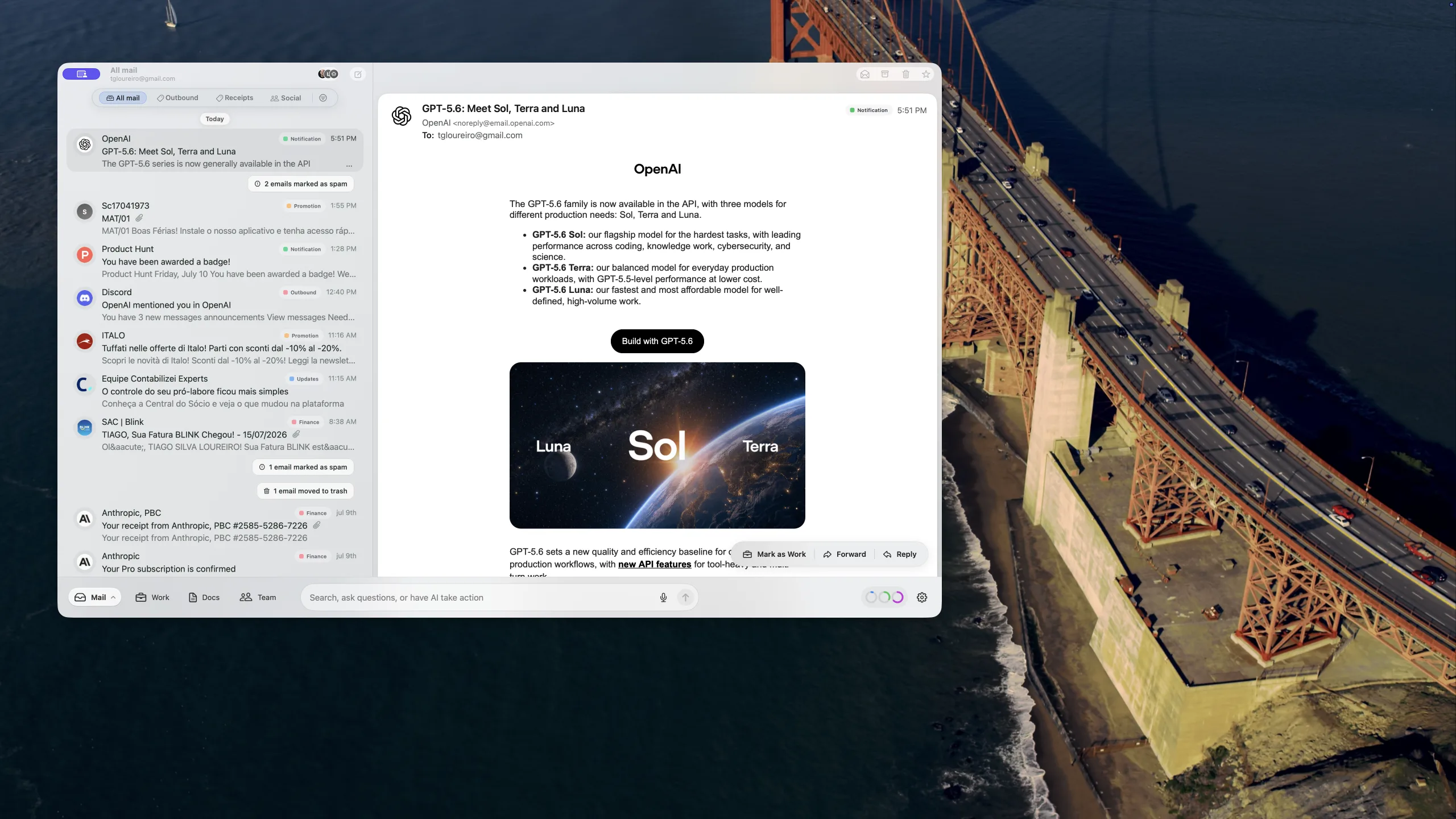
A more polished native Mac inbox
Thread details received a substantial pass:
- full message timestamps, including a relative age for mail from the last week
- bounded, scrollable draft-review panels that no longer push the rest of the window out of place
- clearer workflow chips for states such as Needs response, Needs review, Ready to send, and Resolved
- a visible progress treatment while an agent is working, with distinct completed and failed states
- cleaner comments with avatars, full timestamps, collapse controls, and a focused comment composer
- consistent Send, Request review, Accept, and Reject controls with better contrast
We also removed the empty-state Add label button from the detail header. Labels remain editable through the existing Labels action and from labels already attached to the conversation.
Switching mailboxes is cleaner too. Banger now remembers the last mailbox you used, reuses a warm label catalog when it can, and ignores late list renders from the mailbox you just left, removing a visible blink during fast switches.
The reading pane stays where you put it
Dragging the divider between the thread list and a message could sometimes fight back or snap to an earlier width. HTML-heavy conversations also triggered more layout and preview work than necessary during a resize.
Beta 27 lets message content reflow while you drag, keeps background rendering out of the way during the interaction, and saves the position you actually chose after the layout settles.
The result is a steadier divider and a more responsive window when resizing the reading pane.
Outgoing mail looks right and has another route home
Messages sent in the background now consistently include the display name from your Banger profile, whether the mailbox uses Gmail or custom SMTP.
Instead of recipients seeing only you@example.com, they can see Your Name <you@example.com>. Unicode, punctuation, and other special cases are encoded safely, explicit sender names are preserved, and automated agent sends do not silently borrow a human profile name.
Banger-hosted sending now also has an Amazon SES fallback for eligible failures that happen before the message is handed to the receiving server. The fallback is deliberately gated around the delivery phase so an ambiguous attempt is never retried through a second route and turned into a duplicate.
We also normalize required Date and Message-ID headers before outbound spam checks and DKIM signing, improving compatibility with receiving mail systems.
Live mail and app updates recover on their own
The desktop connection that wakes Banger for new mail now detects half-open WebSocket connections, probes them, and replaces a stale connection instead of waiting for the slower polling fallback.
After an app update, Banger also verifies that its managed background service matches the version bundled with the app. If an older service is still running, it is stopped and replaced automatically.
These are quiet changes, but they reduce the class of failures where the app looks open while new mail or a freshly installed fix is stuck behind stale background state.
Safer sync for large mailboxes
Gmail history backfill now uses a renewable primary-device lease, so two signed-in devices do not race to import the same mailbox history at once.
Encrypted mailbox snapshots now stream through disk instead of loading the entire compressed and encrypted database into memory. That reduces memory spikes during snapshot upload and restore, bounds stalled transfers, and cleans up interrupted snapshot work more reliably.
We also refreshed the Trust page to explain Banger’s managed-key model more clearly: ciphertext-only mail storage, keys held separately on AWS, and client-side decryption.
Beta 27 is available now for Mac.