
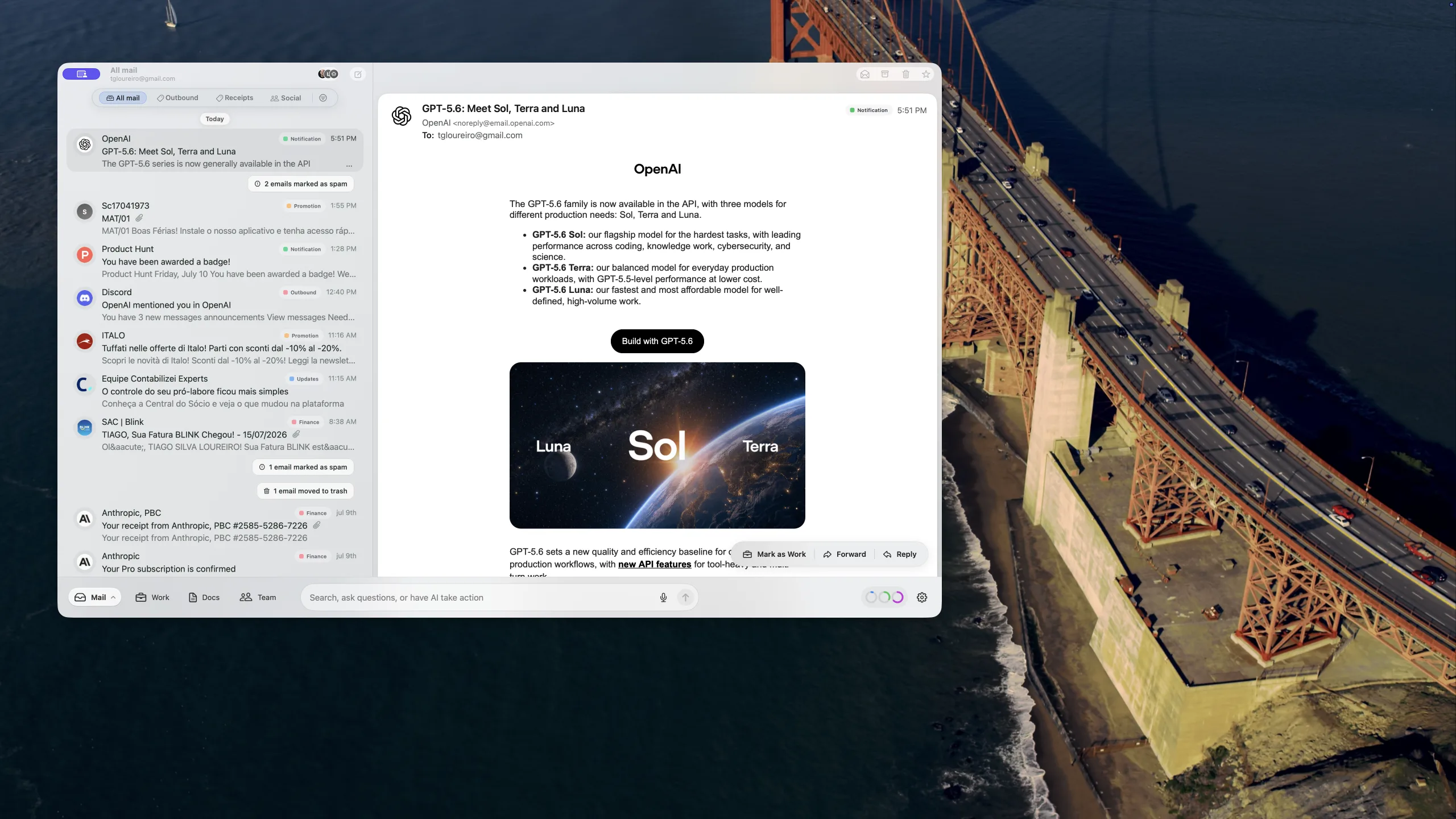
What shipped in Banger for Mac beta 41
Our beta 29 update made search, message inspection, replies, and delivery failures more dependable. Since then, the releases through beta 41 have focused on getting you into the app faster, keeping mail moving across more mailboxes, and pulling time-sensitive information closer to where you need it.
Two of these updates were already on our roadmap, but feedback from Banger users prompted us to ship them sooner: one-click access to login codes and forwarding new mail to another address.
Here is what changed.
Login codes are one click away
Verification codes are useful for a few minutes and annoying for every second spent looking for them. Banger now recognizes recent login and verification codes and puts the latest one directly on the Work board.
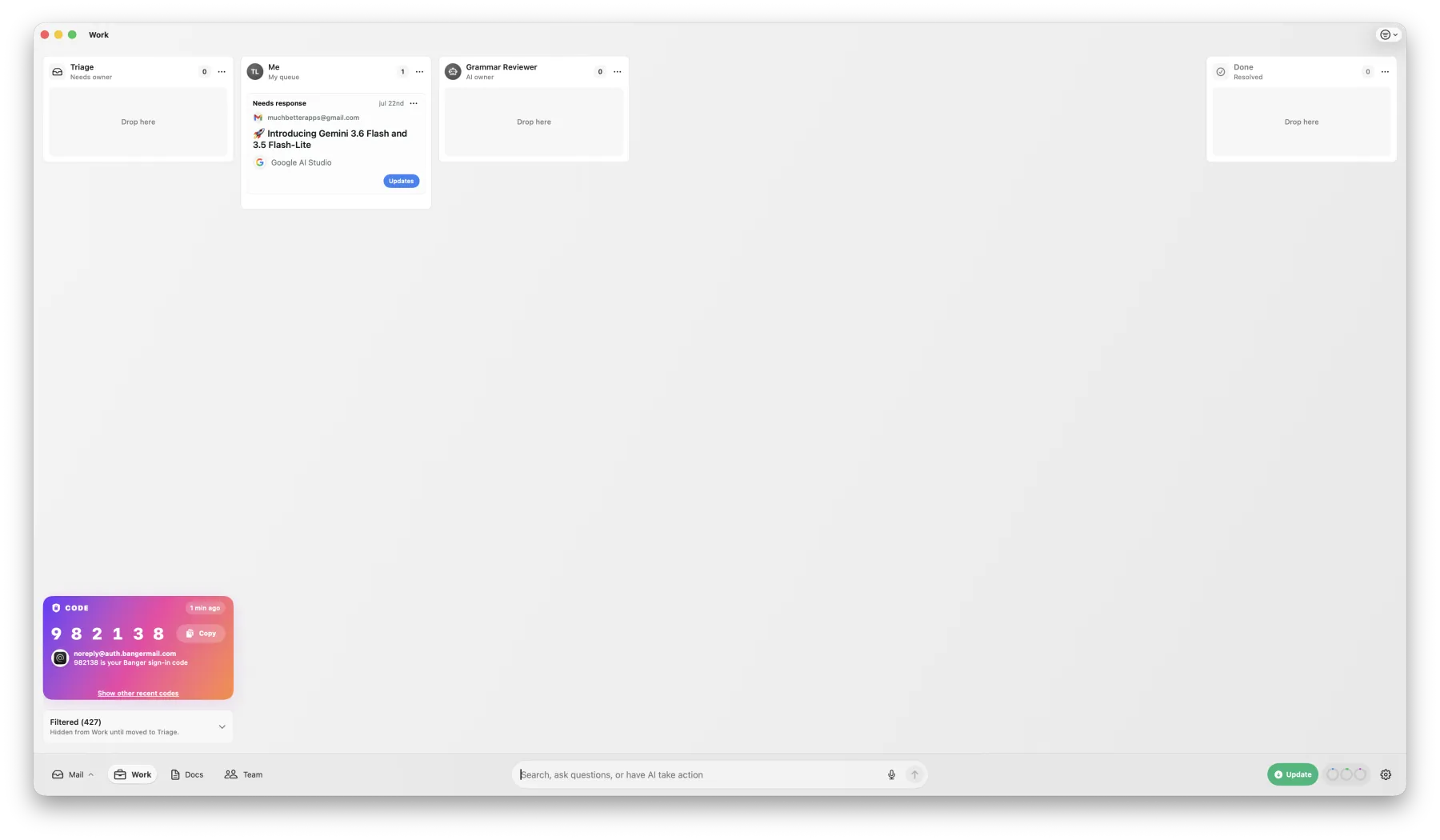
The code card shows who sent the message, when it arrived, and the conversation it came from. Click the code or the Copy button to put it on the clipboard, or open the source message when you need more context. Banger also keeps a short list of other recently detected codes.
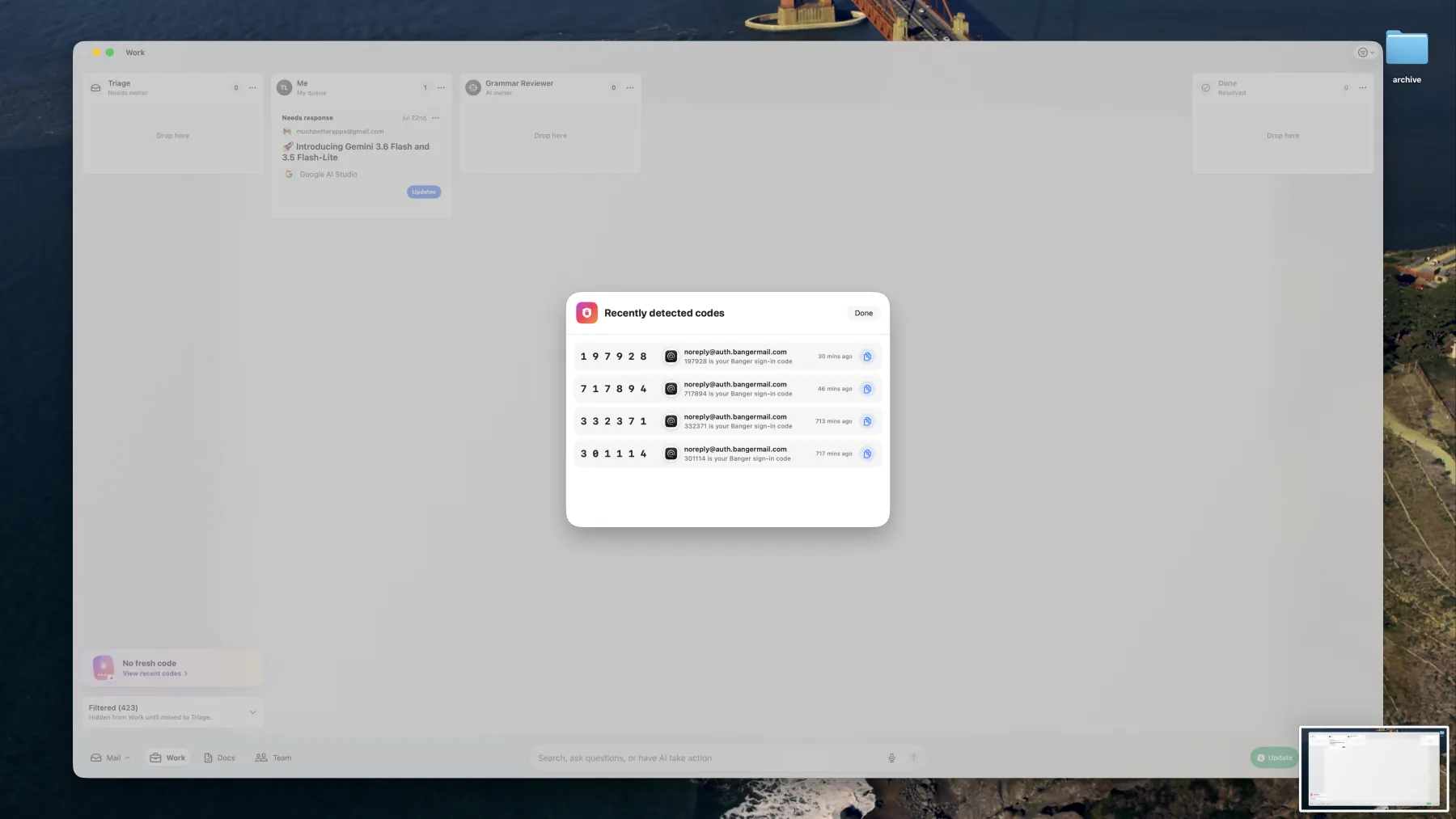
On Mac, code notifications include their own Copy code action. The menu bar app keeps the newest code available for ten minutes too, so you can copy it without bringing the full inbox forward.
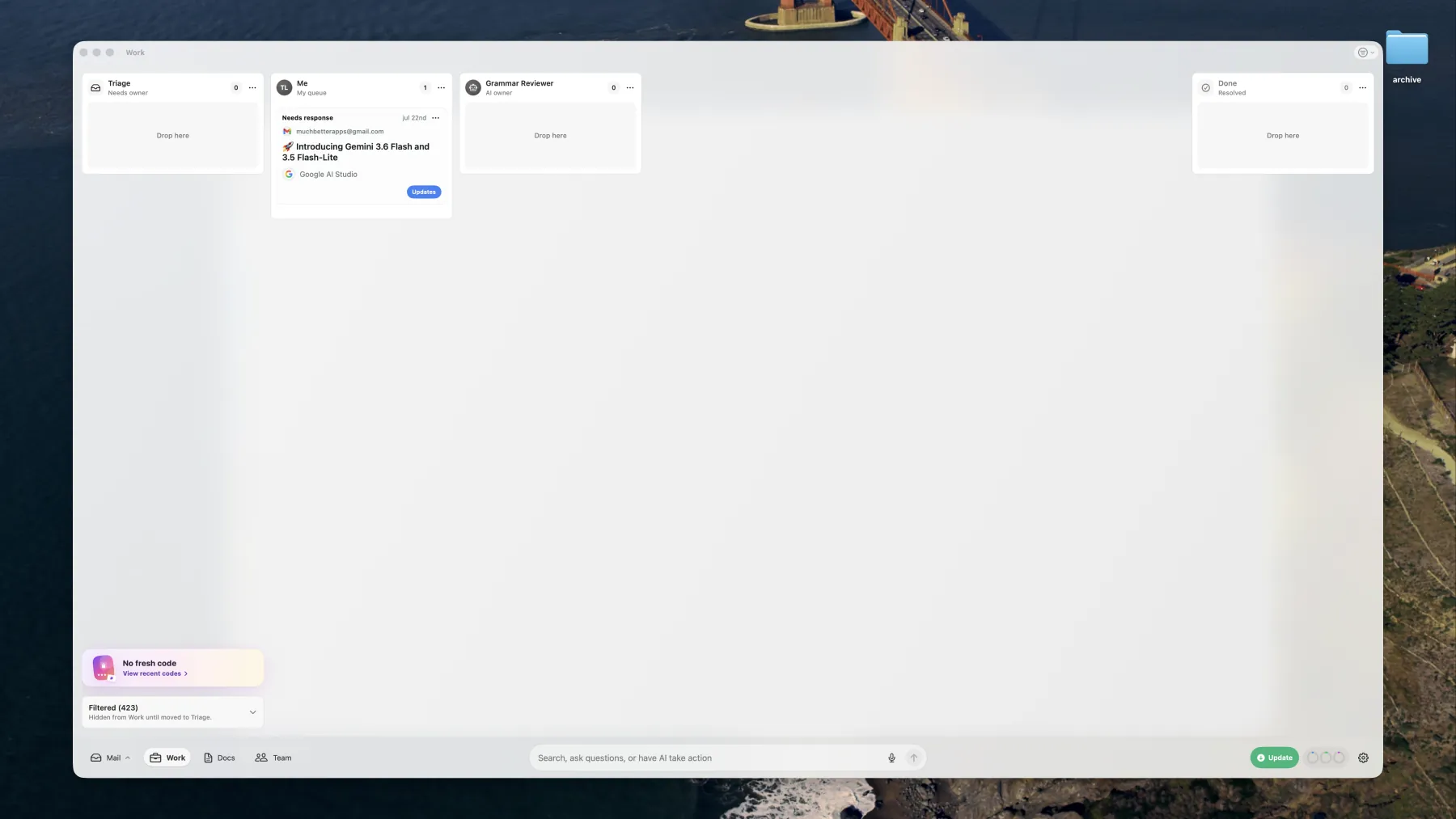
After a code expires, the card returns to a quiet No fresh code state instead of leaving a stale credential visible.
Forward new mail to another address
Banger-hosted custom-domain mailboxes can now forward incoming messages automatically to another email address.

Set a destination from the mailbox’s settings and Banger sends a verification email before forwarding begins. The settings panel shows whether forwarding is off, pending verification, or active, along with the destination and the latest delivery result. You can resend verification, change the destination, or turn forwarding off from the same place.
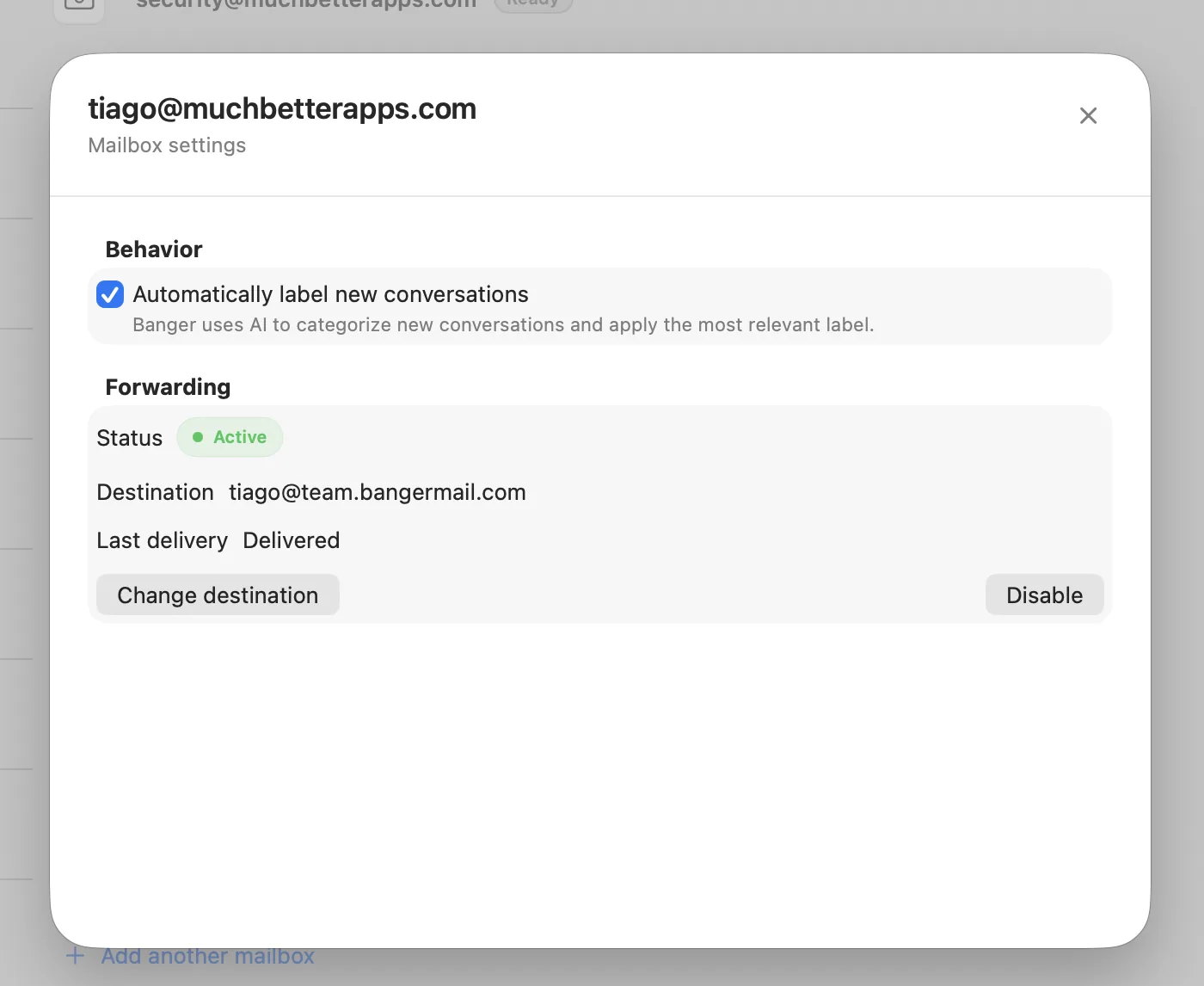
Changing an active destination stops the existing rule while the new address is being verified. That prevents new mail from continuing to an old address after you have asked Banger to replace it.
The app opens from local state
Banger for Mac now restores its pre-inbox state and sidebar from the local snapshot on your device, then catches up with the network in the background. Returning to the app no longer needs to begin with the same cloud round trips that are required for a first setup.
Mailbox work also runs more efficiently across larger workspaces. Independent mailboxes can synchronize in parallel, while Banger prevents overlapping work from competing against the same mailbox. Sync status updates are gathered in parallel as well, so one slow mailbox is less likely to hold up the rest of the workspace.
We tightened the handoff between local snapshots and live sync at the same time. Snapshot installation is more defensive, an old initial-sync state can no longer leave the native Mac app waiting indefinitely, and legacy completed draft actions no longer block new mail from synchronizing.
Gmail reconnects are visible and actionable
When Google access expires or is revoked, Banger now says so where the interruption matters: at the top of the affected mailbox.
The banner explains that new messages cannot synchronize until access is restored and opens the Gmail reconnect flow directly. The mailbox setup screen also marks the account as needing a reconnect, instead of leaving a stale inbox to look like a quiet one.
Faster everyday Mac actions
A collection of smaller changes makes the native app easier to move through:
Command-Kfocuses the search control in the bottom task bar- attachment downloads show an in-progress state, then expose Open and Show in Finder
- mailbox switching holds the previous view steady until the next mailbox is ready, without accepting late results from the mailbox you left
- automatic labels use the native blue accent, keeping them distinct without looking like an error or warning
- custom-domain artwork can be refreshed when a cached domain icon is out of date
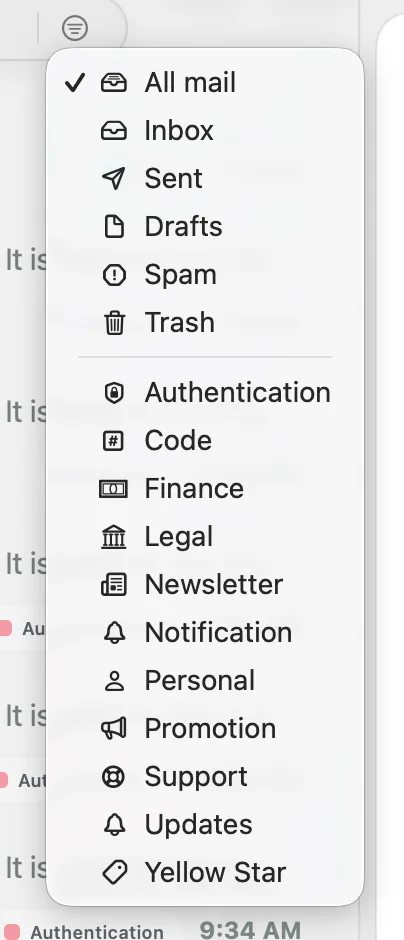
Built-in and AI-applied labels now use recognizable icons, making mailbox filters easier to scan before you switch views.
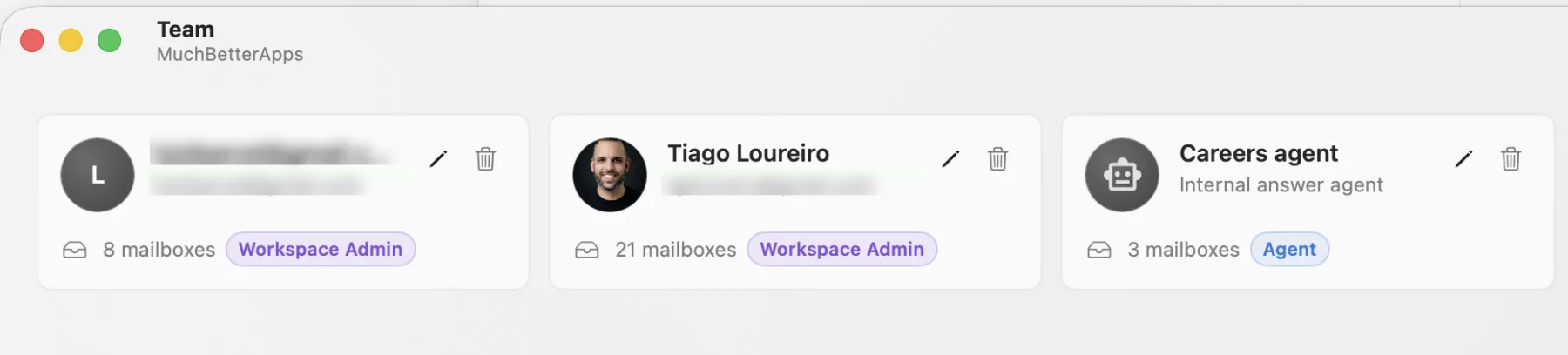
The native Team view also brings back member cards, with profile or agent identity, mailbox count, role, and edit controls visible at a glance.
Reliability work that stays out of your way
We also fixed several background failures that could make an otherwise healthy app feel stuck:
- Banger now prevents two copies of its local service from running against the same data directory
- a SQLite file-locking deadlock on macOS no longer stalls local state access
- rapid mailbox switches no longer let stale setup or list state win
- discarding a native draft and filtering by labels now update the correct local records
- outbound spam checks inspect the final DKIM-signed message that is actually handed to the receiving server
Beta 41 is available now for Mac, and the matching forwarding and categorization updates are live.