
Email deliverability basics for a brand-new domain

For a new email domain, start with verified authentication, people who expect your messages, and a small rollout you can inspect. Monitor bounces and complaints before increasing volume. Banger suppresses hard bounces, complaints, and unsubscribes across the workspace and applies the warning and suspension rules in its acceptable-use policy.
No setup checklist can promise inbox placement. What you can control is the identity you send from, the audience you choose, the content you publish, and how quickly you respond when something goes wrong. Your AI agent can help inspect these facts.
Begin with a ready domain
Ask your assistant to inspect the domain’s DNS and sending readiness through Banger. The new-domain setup guide covers SPF, DKIM, DMARC, and MX, including the distinction between published records and completed activation.
Use the exact records Banger prepares. If DNS is verified but activation is still pending, inspect that returned status instead of repeatedly editing correct records. If a test fails, investigate the specific failed check before sending to a larger audience.
Once ready, send a test to an address you control and inspect the result. Check the sender, reply destination, body, and links. This is a practical verification step, not a measurement of how every recipient’s mail system will treat future messages.
Steps: make the first sends deliberate
1. Document who asked to hear from you
Start with the audience, not the available sending allowance. For marketing, record when and how each person agreed to receive your email. Banger’s signup forms use double opt-in by default, and subscribed contacts added through import, API, or MCP require consent confirmation.
Do not import bought, rented, scraped, or guessed addresses. Do not repurpose a list collected for another brand or purpose without the appropriate permission. These uses are prohibited by Banger’s acceptable-use policy.
If you cannot explain why someone expects the message, leave them out of the launch audience until the permission question is resolved. An agent should not turn a spreadsheet of addresses into a marketing audience by checking a consent box on your behalf without evidence.
2. Use a measured warm-up plan
Treat warm-up as a controlled rollout of legitimate, expected messages. Begin with a small audience you can inspect, read the results, and increase only when the operation is behaving as intended. Choose the pace based on your actual results and plan limits.
There is no universal warm-up schedule or fixed number of messages that makes a new domain trusted. Do not manufacture engagement or send unwanted messages just to make a volume chart rise.
Ask the assistant to report the audience size, planned volume, and recent delivery outcomes before the next batch. A slower rollout is useful only if you actually use the time to identify and fix problems.
3. Keep the message recognizable
Use an accurate From name and reply address. Explain why the person is receiving the message, especially on the first announcement from a new product. Keep the subject faithful to the body and the links relevant to the action you want them to take.
For marketing, include the required company name and postal address. Banger will not release a Broadcast without that footer information. Your agent should ask for missing facts rather than inventing a business address or a claim about your product.
4. Make leaving easy
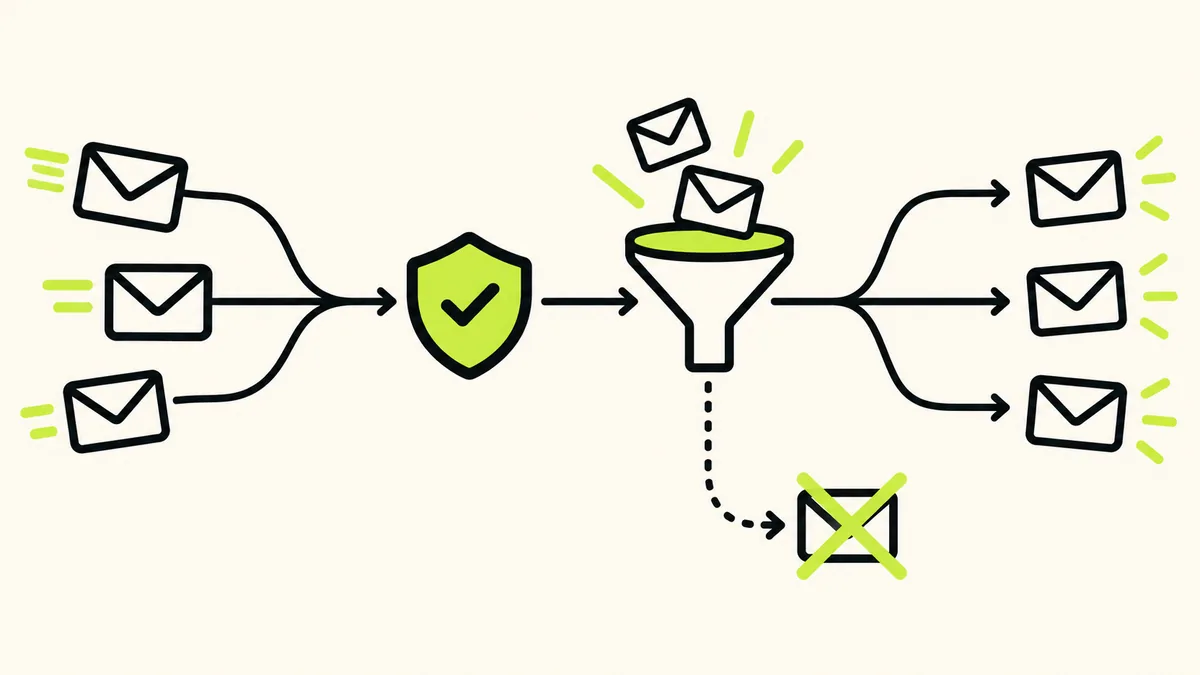
Banger adds one-click unsubscribe headers to every Broadcast and Journey email, plus a visible unsubscribe link when the message lacks one. Keep that mechanism intact and honor requests that arrive by reply or another channel too.
An unsubscribe immediately suppresses the address across the workspace, marks the contact unsubscribed, and stops its sequence. Do not switch mailboxes or sending routes to keep contacting that person. The suppression boundary is wider than a single campaign.
5. Read the warning signals
Banger’s policy warns when bounce rate is above 2% or complaint rate is above 0.1%. It flags bounce rate at or above 5% or complaint rate at or above 0.3% as critical. These are policy thresholds, not targets to approach.
A single spam complaint about person-to-person mailbox email suspends that mailbox. For Broadcasts and Journeys, suspension occurs when the mailbox has at least three complaints and those complaints are at least 0.3% of its bulk recipients over the previous 24 hours. Both bulk conditions matter.
Hard bounces and complaints cause workspace-wide suppression. Soft bounces, such as a full mailbox, are not suppressed under this policy. Inspect the actual outcome rather than treating every failed delivery as the same problem.
What to do when a problem appears
Pause expansion of the audience and inspect the relevant delivery status and logs. Ask your assistant to separate permanent address failures, complaints, suppressions, and capacity issues. Then fix the cause: audience selection, consent evidence, sender identity, or the message itself.
A suspended mailbox cannot send. A workspace administrator can reactivate it after acknowledging the complaint, but reactivation should follow a correction. It should not become a routine response to continuing unwanted mail.
Use the MCP setup guide for agent access and the API reference when your application needs to inspect or act on email state. Keep transactional and marketing messages on their appropriate paths without treating those paths as separate suppression systems.
Capacity is a separate check
Free includes 3,000 emails a month, up to 100 a day. Sends beyond that daily cap go out the next day. That deferral is a plan behavior, not evidence of a deliverability failure or a reputation warm-up service.
Paid plans refuse sends past their monthly allowance until renewal or upgrade. There are no overage or usage fees. Check pricing before planning your launch date and audience size, and leave room for the other messages your product sends.
FAQ
Does verified DNS guarantee inbox placement?
No. It establishes the relevant configuration. It does not guarantee how every receiving system will place your messages.
What complaint rate is safe to aim for?
Aim to send expected messages and investigate complaints, rather than treating an enforcement threshold as a safe operating target. The policy defines when Banger warns or suspends.
Can I use another mailbox after a hard bounce?
No. Hard-bounce suppression is workspace-wide. A different sender does not make the address eligible again.
Does Free’s daily cap automatically warm up my domain?
The cap governs sending capacity; you still need consent, correct setup, measured rollout, and ongoing review.