
Build a SaaS welcome email sequence with your AI agent

Build a SaaS welcome sequence by giving your agent the audience, consent requirements, product facts, message goals, and timing, then asking it to create a draft Journey in Banger. Review every step before activation. Banger requires a person to decide the activation Approval in the web app; the agent cannot approve it.
A short sequence is a useful starting point for a solo launch. It lets you introduce one action at a time and see the whole flow without maintaining a long campaign. Adapt the three-message example below to your product.
Decide what kind of welcome this is
An account confirmation and a promotional introduction have different purposes. A welcome sequence offering product tips or launch news to subscribers should use the marketing path and respect consent and unsubscribe requirements. Do not classify it as transactional simply because it begins after signup.
For this example, the audience is people who explicitly subscribed to product onboarding emails. Keep the confirmation of an essential account action separate. Read transactional versus marketing email before combining the two in one brief.
Banger’s signup forms use double opt-in by default. If you add subscribed contacts by import, API, or MCP, you must confirm that you have their consent. Keep the source and statement they agreed to available; your agent should not invent that evidence.
An example three-message sequence
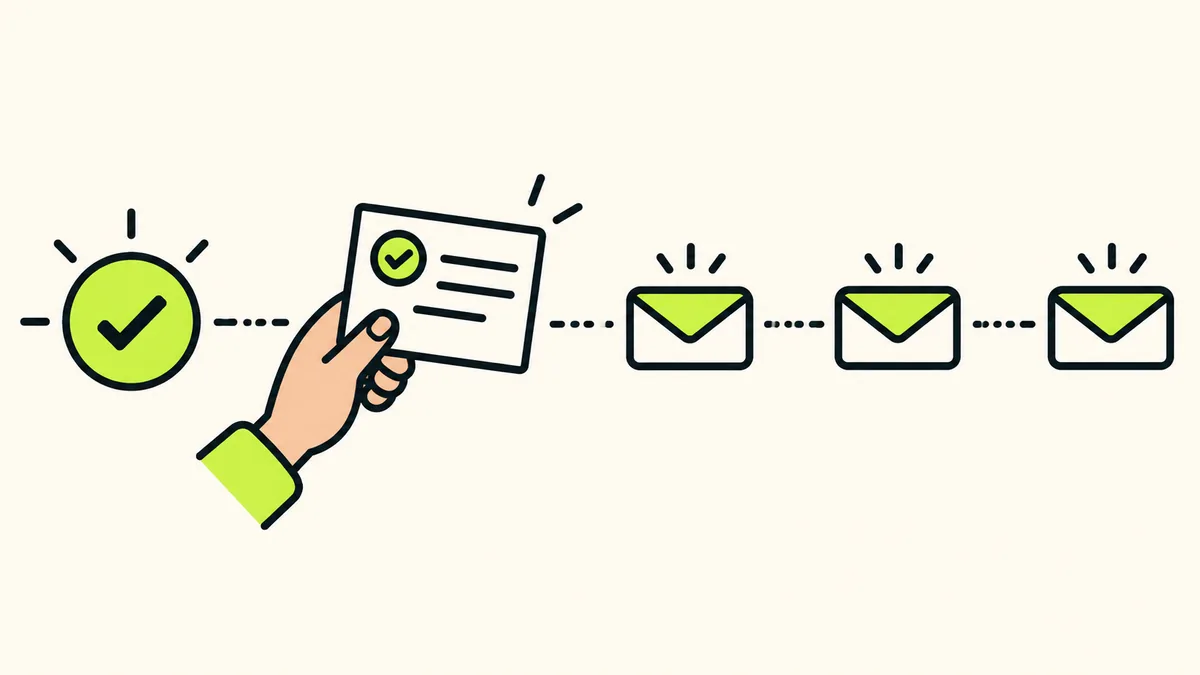
First message: help them begin. Welcome the subscriber, explain the product’s purpose in one sentence, and link to the first useful action. A possible subject is “Start with your first project.” Replace that action with something your product actually supports.
Second message: remove one obstacle. After a delay you choose, explain the most common setup question you can substantiate. If you do not yet know what customers struggle with, use a clear getting-started tip instead of claiming a problem is common.
Third message: invite a reply. Ask what the subscriber is trying to achieve or what prevented them from starting. Use a mailbox you are prepared to monitor. Do not promise personal support at a speed you cannot sustain as a solo builder.
One possible schedule is the first message on entry, the second two days later, and the third three days after that. Treat those delays as a starting example and adjust them to your product.
Steps: turn the plan into a Journey
1. Connect and inspect the prerequisites
Connect your assistant through the MCP guide. Ask it to inspect the selected mailbox, domain readiness, contacts, and available product resources before creating the sequence.
Provide the product’s actual URL, sender name, company name, and postal address. Banger requires the marketing footer information before a Journey with Broadcast steps can activate. A draft should make missing information visible rather than substitute placeholders that look finished.
2. Define entry and audience explicitly
Tell the agent who should enter and which event or supported trigger starts the Journey. If your application provides the event, use the API reference to implement the integration and supply real contact data.
Ask the agent to explain the trigger in ordinary language. “People who signed up” is incomplete if your product has several forms or separate account and newsletter flows. Name the specific subscription and how consent is recorded.
3. Draft the complete sequence
Use a brief such as: “Create a draft welcome Journey for confirmed onboarding subscribers. Prepare three emails using the product facts below. Propose waits between them, show the trigger and audience, and leave activation for my review.”
Banger Journeys support email and wait steps, with additional condition and action capabilities. Keep this first version simple. A plain sequence with correct audience rules is easier to review than a branching flow built around data your product does not yet send.
4. Review content and stopping behavior
Read the messages in order. Remove repeated introductions, check every link, and make sure later messages do not contradict earlier ones. Read the timing as a recipient would experience it rather than as separate cards in a draft.
Discuss what should happen after someone completes the intended product action. If you want behavior-based exits or waits, first confirm that Banger receives the required contact data. The agent must not treat an unavailable product milestone as an observed fact.
Unsubscribes are handled across the workspace and stop the recipient’s sequence. Do not ask the agent to keep sending from another mailbox. Hard bounces and complaints also create workspace-wide suppression.
5. Decide activation in the web app
Ask the agent to present the finished Journey for activation review. A person decides the Approval in Banger. Inspect the trigger, audience, sender, messages, waits, and any exits before approving.
This is approval of the flow’s operation, not just its first email. Material changes to the reviewed scope can require another review. Keep your own brief and the actual Journey aligned as the product evolves.
After the first people enter
Inspect Journey execution and delivery status. Ask the assistant what ran, what is waiting, and whether any step failed. If the flow is not progressing, investigate the reported trigger, data, or send status before adding more messages.
Check your plan’s capacity against the whole sequence. Free includes 3,000 monthly emails with a 100-email daily cap, and sends beyond the daily cap go out the next day. A three-message sequence consumes sends over its full life, alongside other company email.
Paid plans refuse sends past the monthly allowance until renewal or upgrade. There are no overage or usage fees. Use pricing to plan capacity and the acceptable-use policy to check consent, unsubscribe, and complaint handling.
FAQ
Can my agent activate the Journey without me?
No. Journey activation requires a person to decide an Approval in Banger’s web app.
Is every welcome email transactional?
No. Classify by purpose. Promotional introductions and subscriber education belong in the marketing workflow described here; essential account messages have a different role.
What happens when someone unsubscribes?
Banger suppresses the address across the workspace, marks the contact unsubscribed, and stops the sequence. Later sends to that suppressed address are refused.
Do I need a complex branching Journey?
No. Begin with a small sequence you can explain and verify. Add conditions only when the product supplies the data needed to evaluate them correctly.